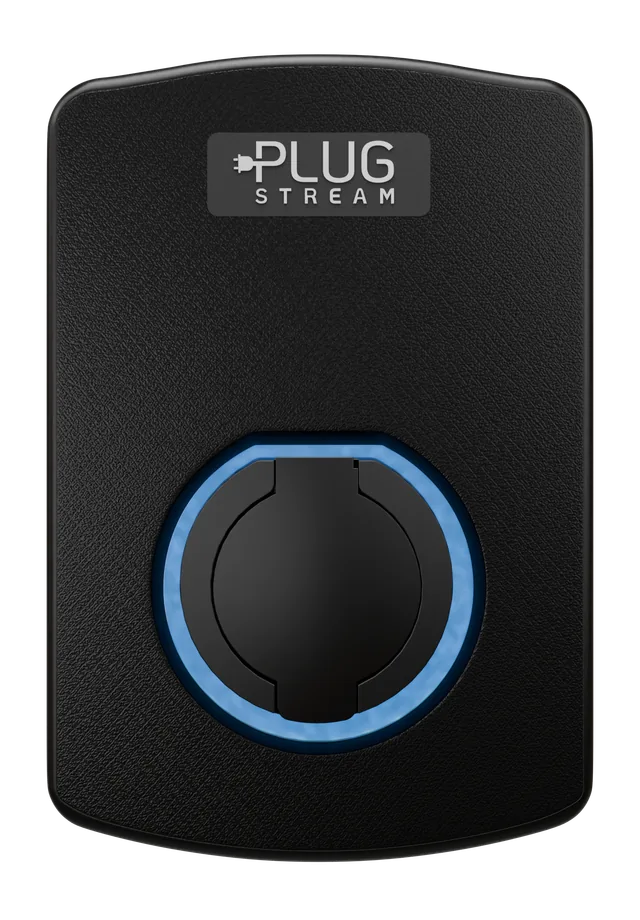
Build a PlugStream configuration PDF for quote requests.
Select the charger, quantity, face plate, PlugStream Connect Link requirement, Flow energy-management package and PlugStream Connect plan, then download a customer-facing SKU request PDF for wholesale quoting. The PDF does not include VAT totals, checkout, payment flow or order confirmation.
The output is a SKU request summary for follow-up, not a retail basket or direct checkout.
SKU-led output
Chargers, face plates, PlugStream Connect Link, PlugStream Connect, PlugStream Flow, Flow Links and selected PlugStream Connect plans use clear SKU lines that can be reviewed before quote.
Compatibility notes included
4G network-access constraints, Flow energy-management notes, PlugStream Connect dependencies and quote confirmation wording travel with the PDF.
Build the request
Choose the parts that need to appear on the PDF.
Start from a charger SKU, then add the practical lines that matter to the quote: PlugStream 7 finish, PlugStream Connect Link, selected PlugStream Connect plan, Flow kit or extra Flow Links.
Step 1
Choose the charger
Step 2
Choose a face plate finish
Select a colour for the PS-7S Face Plate or leave it for the default Black finish. Colour-coded face plate SKUs are included for compatible PlugStream 7 models.
Selected finish
Black
PS-7S-FP-BLK
Step 3
Choose charger connectivity
Add PlugStream Connect Link only when the charger needs a 4G route because Wi-Fi or Ethernet is unsuitable, unavailable or restricted.
Step 4
Choose energy management
Add PlugStream Flow when the site needs more local measurement and evidence: 4 CT monitoring, wireless CT placement, solar or storage context, Sentinel diagnostics, app energy visibility, or enhanced compatible charger coordination where supported.
Flow is worth reviewing if the project needs:
More than one CT measurement point
A charger far from the meter or consumer unit
Solar or storage on site
Three-phase or multi-circuit monitoring
RS485 meter or inverter integration
Sentinel support evidence or diagnostics
Step 5
Choose PlugStream Connect
Select the annual data plan to carry into the SKU request. Plus is the recommended plan for most PlugStream Connect Link installs.
Selecting a PlugStream Connect plan will also add PlugStream Connect Link hardware to the SKU request.