
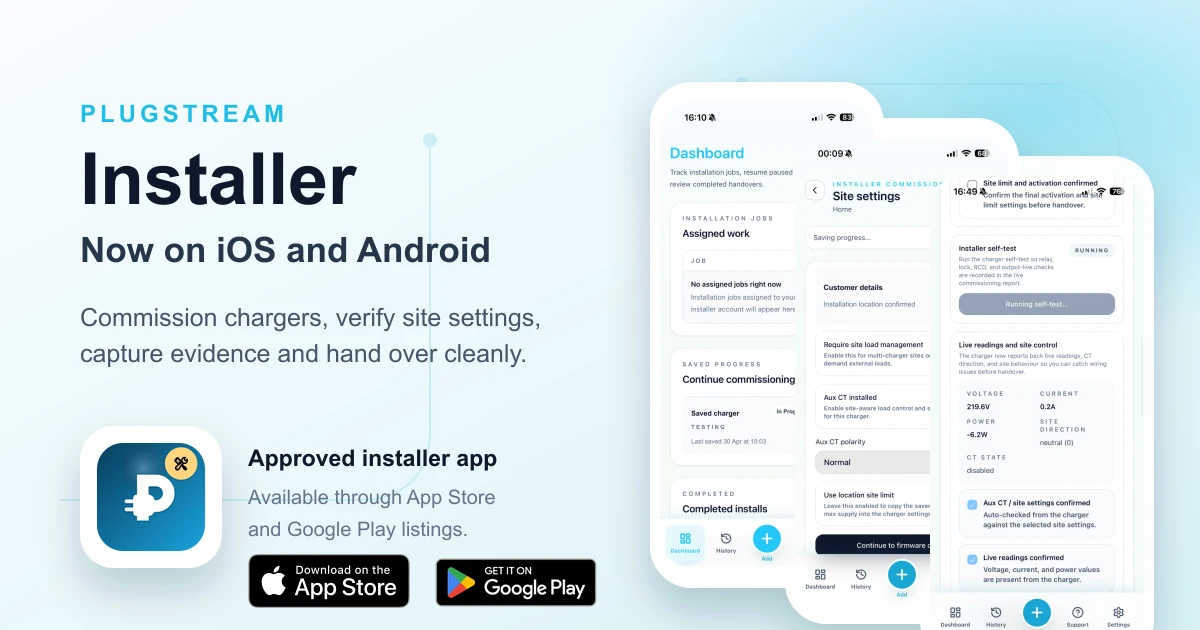
PlugStream Installer is ready for iOS and Android
A dedicated mobile workflow for commissioning PlugStream chargers on site
App stores
PlugStream Installer
Download the installer app from the App Store or Google Play using an approved installer account.

PlugStream Installer is ready for approved installers across iOS and Android, giving the team on site a dedicated mobile app for commissioning PlugStream chargers.
This is an important step for the PlugStream platform because installation quality does not come from hardware alone. It comes from the full journey: connecting to the charger, applying the right site settings, checking live readings, capturing evidence, and handing the charger over to the customer with confidence.
Completing commissioning through the app also extends the customer's warranty. PlugStream chargers include a 3-year warranty as standard, extended to 5 years when installer commissioning is completed through PlugStream Installer.
The store listings give approved installers a focused installer experience designed around the practical rhythm of a real job rather than a generic web session.
Built for the commissioning flow
Every installation has a sequence. The charger needs to be found, connected, configured, tested, assigned, and handed over. When that sequence is split across different tools, it creates avoidable friction for the installer and more room for missed information.
PlugStream Installer brings the key steps into one mobile workflow:
- Connect to a charger over Bluetooth
- Configure WiFi / Ethernet / 4G settings
- Activate the charger during commissioning
- Select or create the customer record
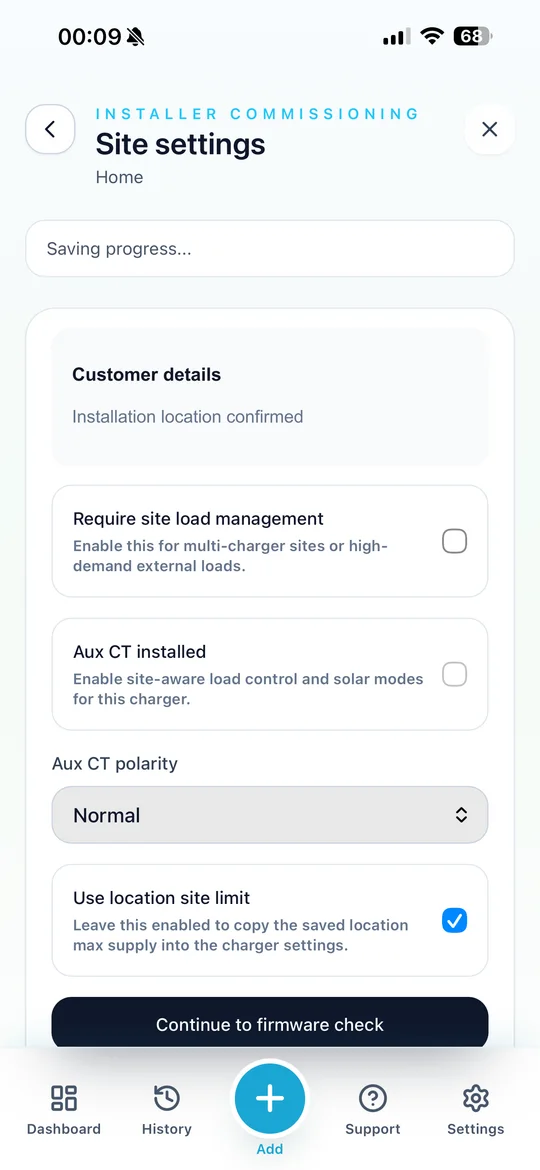
- Configure site current limits and Aux CT settings
- Capture installation evidence and installer notes
- Complete verification checks before handover
- Create a secure customer handover route
The goal is simple: the installer should not need to leave site wondering whether the charger is connected, assigned, documented, and ready for the customer.
App Store and Google Play access
PlugStream Installer is built for approved installer accounts. The app store listings make it easier for installers to use the same commissioning workflow on the device they already carry, whether that is an iPhone or an Android phone.
The app icon and store links above point installers to the correct PlugStream Installer listing for each platform. Access still depends on an approved installer account, so the public store listing is only the starting point. The commissioning workflow itself remains tied to the right organisation, account permissions, and PlugStream platform access.
Installers who need access can create an account through the PlugStream installer onboarding form.
Better handover for customers
Customer handover is one of the most important parts of the install. If a charger is physically fitted but the customer still needs to chase access, claim the device manually, or repeat setup steps later, the job does not feel finished.
PlugStream Installer supports a smoother handover path. Once commissioning and verification are complete, the installer can create a secure handover session for the customer. That can be used while the customer is present, or shared as an invite where the final account setup needs to happen later.
For the customer, that means a clearer route into MyPlugStream. For the installer, it means less post-install admin and fewer avoidable support calls about ownership, account access, or missing setup steps.
It also gives the customer a stronger warranty position. The charger has 3 years of cover as standard, and completing installer commissioning through the app extends that cover by a further 2 years, taking the warranty period to 5 years.
Site settings captured where they matter
Good commissioning depends on context. A domestic install, shared parking bay, workplace charger, or project rollout may each need different site settings and checks.
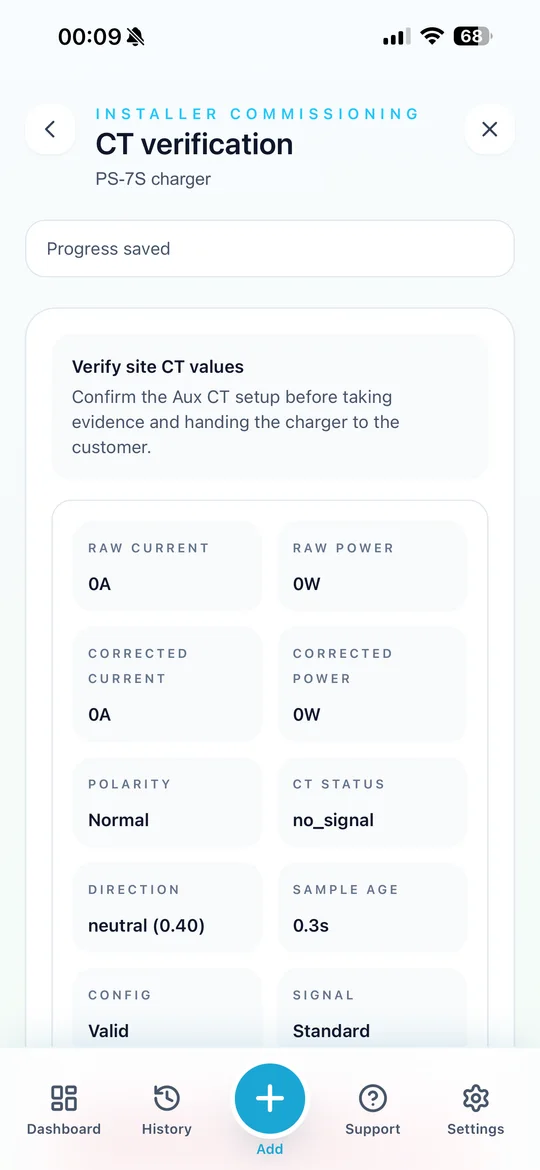
The installer workflow is designed to record the information that matters on site, including current limits, Aux CT status, CT polarity, mounting details, protective device information, installation photos, and installer notes. That creates a better record for support, warranty, and future maintenance.
It also helps make sure the charger is configured around the real installation, not just the product model. That distinction matters as more sites rely on load management, solar-aware charging, battery storage, and more connected energy systems around the charger.
Verification before leaving site
A charger that appears online still needs to be verified against the installation. PlugStream Installer helps make that final check part of the workflow rather than an afterthought.
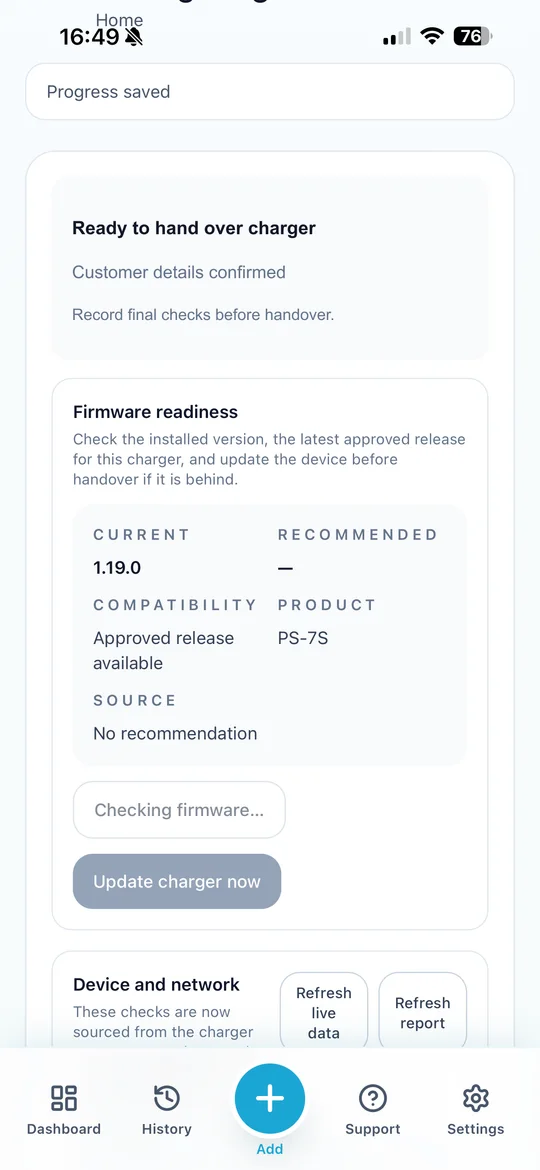
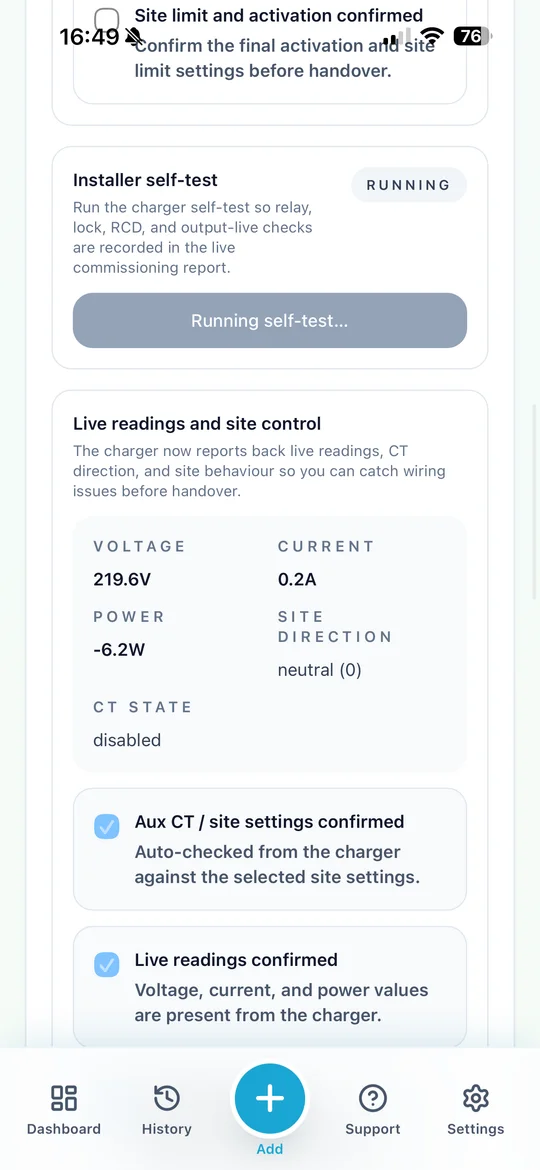
The app supports checks around device connectivity, firmware readiness, live readings, CT configuration, charge testing, installation evidence, and handover status. If something needs attention, the installer has a clearer route to resolve it before the customer depends on the charger day to day.
That is especially useful for installs where site control or Aux CT behaviour affects charging. A pause, limit, or missing reading can be much easier to resolve while the installer is still in front of the charger.
Part of the wider PlugStream platform
PlugStream Installer sits alongside MyPlugStream, PlugStream Cloud, and the PlugStream charger range. Each part has a different job.
The charger delivers the physical charging experience. MyPlugStream gives the customer visibility and control after handover. PlugStream Cloud keeps the device connected, updated, and manageable. PlugStream Installer focuses on the moment where the charger becomes part of the customer's site.
That moment matters. A better commissioning workflow helps installers work more consistently, gives customers a cleaner start, and gives the support team a stronger record if help is ever needed later.
It also gives PlugStream a foundation for future field workflows. In future updates, installers will be able to accept installation jobs and warranty jobs through the app, keeping the work assignment, commissioning record, and follow-up support route closer together.
Available for approved installers
PlugStream Installer is built for approved installer accounts and field commissioning workflows. If you install PlugStream chargers and need access to the app, create an installer account, contact the PlugStream team, or speak to your PlugStream account contact.
For commissioning guidance, installers can also use the support article: Commission a PlugStream charge point and handover to the customer.
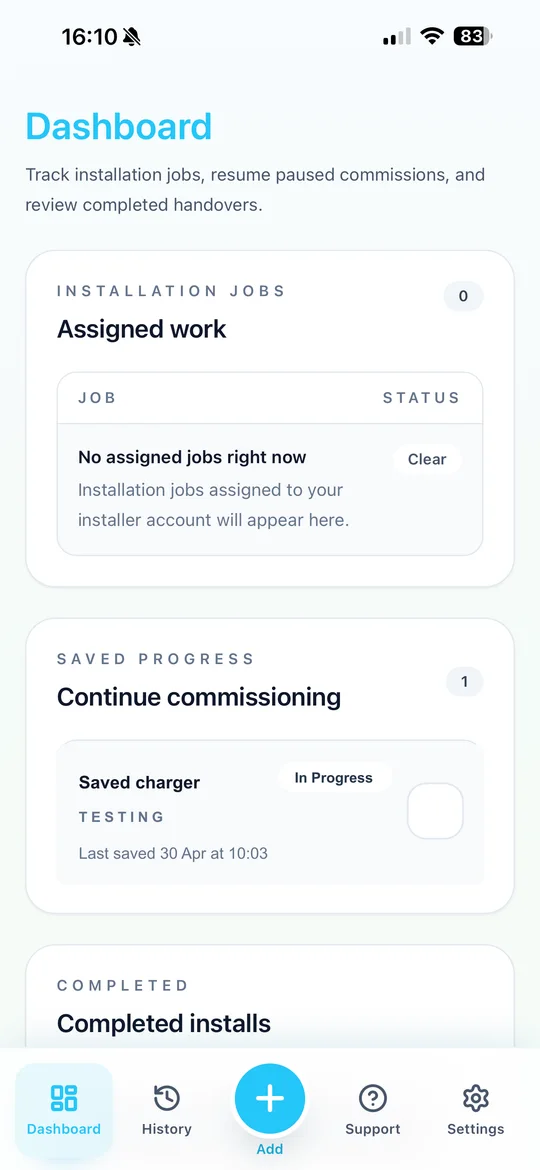
Screenshots
Inside PlugStream Installer
Explore More
Compare the PlugStream range
See how PlugStream 7S, PlugStream 7T, and the PlugStream 22 family fit different homes, commercial sites, and daily charging routines.